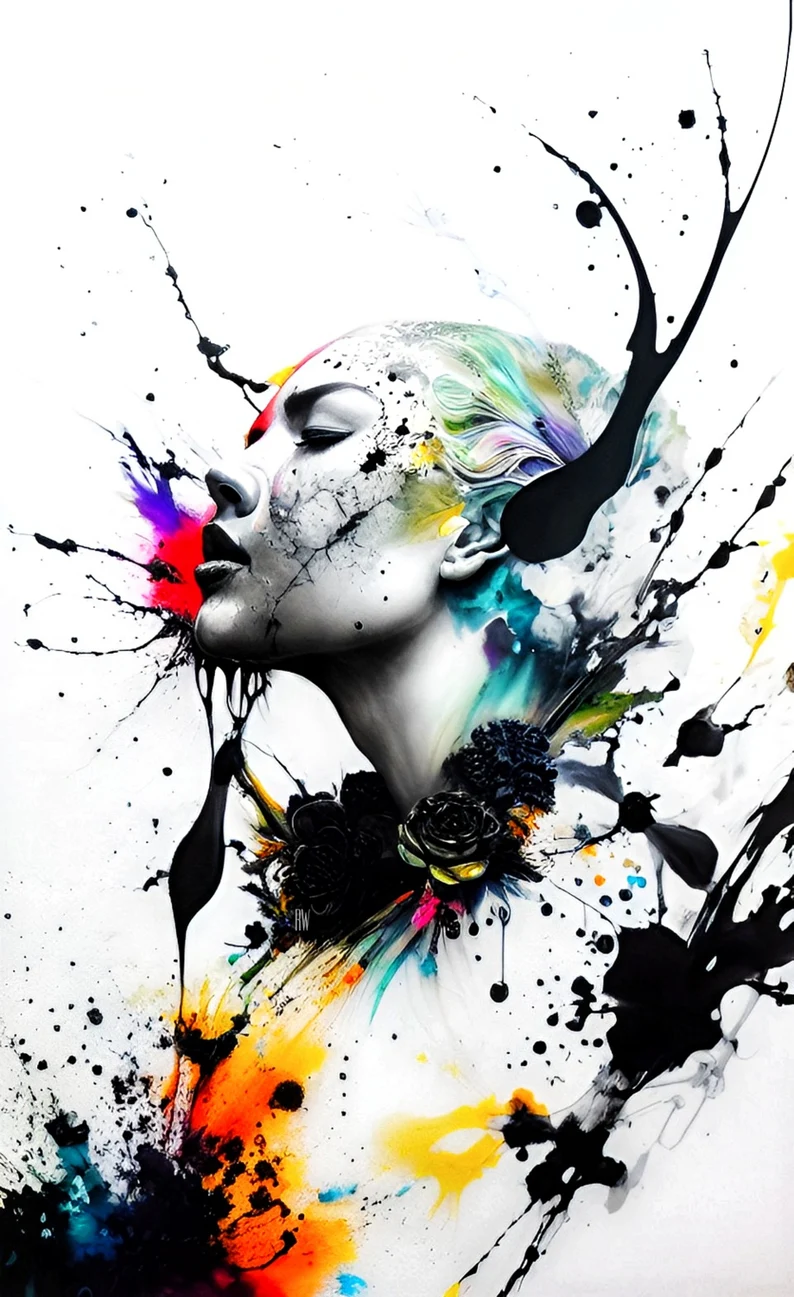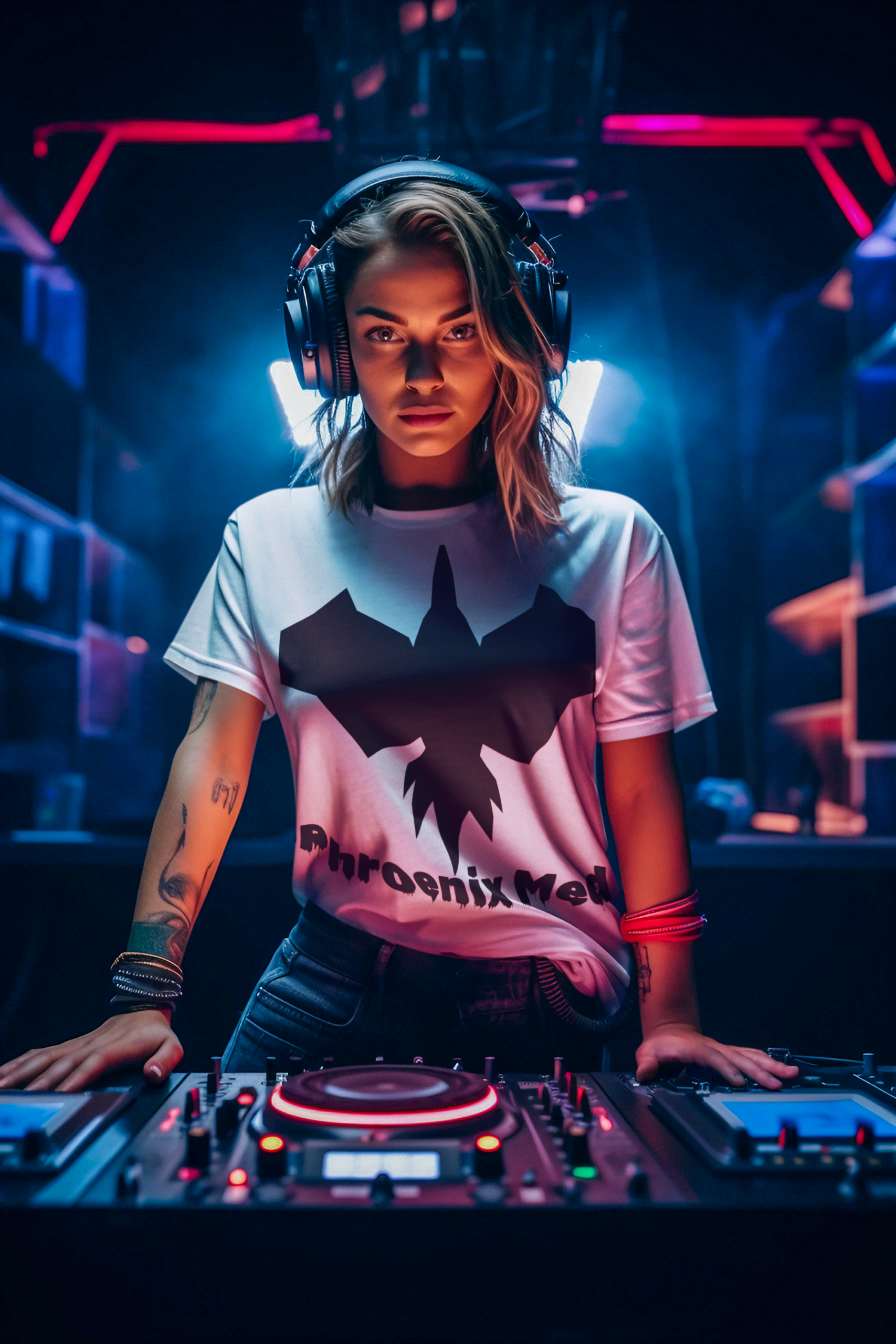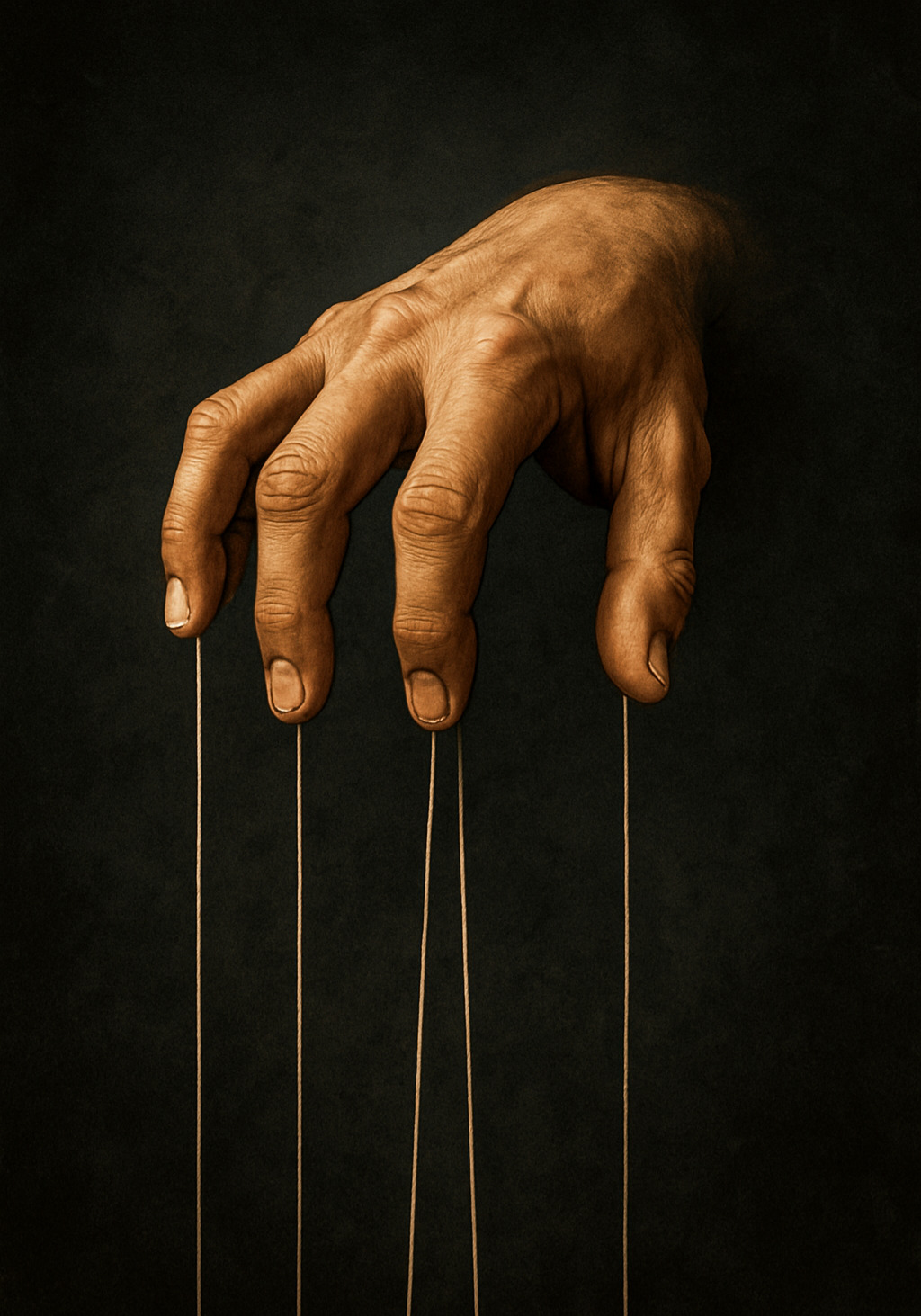
Digital art has opened up new ways for artists to experiment with color, photography, illustration, artificial intelligence, and digital editing tools.
In this digital artist interview, @agworks.ai shares his experience as an independent digital artist, what inspires his work, how he approaches the creative process, and some of the programs and apps he uses to create and refine his artwork.
I have been following agworks.ai on Instagram for some time, and we have regularly supported each other’s pages. That connection led to this conversation about digital art, creativity, experimentation, artificial intelligence, and the tools that can help new digital artists develop their skills.
Meet Andrea, aka agworks.ai
Hi everyone, I’m Andrea, aka agworks.ai, and I’m a digital artist living in Italy.
These are my Instagram pages, where I share my ideas, my artwork, and some of my favorite icons from the past and present.
For me, digital technology has provided a new way to express ideas and abstract thoughts. My artwork often starts with something inspired by reality but develops into something more imaginative, emotional, and experimental.
That freedom is one of the things I enjoy most about digital art.
What Inspires Your Digital Art?
My inspiration comes from the creative process itself.
Through digital tools, I can take an idea and experiment with it in ways that can be difficult to achieve with traditional materials alone. I am interested in color, atmosphere, light, and the way different visual elements can change the feeling of an image.
My work is often not based on a completely fixed idea from the beginning.
Instead, I prefer to work progressively, allowing one stage of the creative process to influence the next.
This gives me the freedom to discover new possibilities while creating the artwork.
How Do You Create Your Digital Artwork?
I have always experimented with different applications for color management, atmosphere, editing, and artificial intelligence.
I like discovering new techniques and trying something different because I consider myself a dynamic artist.
I do not always begin with a complete image in my mind.
Instead, I often develop a piece step by step. One application may help me create or transform an image, while another can be used to adjust color, light, atmosphere, or other visual details.
The final artwork is therefore the result of several stages rather than a single action.
That experimentation is an important part of my creative process.
Is Digital Art Really Art?
There are people who believe that digital art is not “real art” because it does not involve traditional materials such as paper, brushes, and physical palettes.
I see it differently.
Digital art may not use physical materials, but creating a successful image still requires creativity, technical knowledge, visual judgment, and a clear artistic vision.
Whether I am working with a photo-editing application, an AI tool, a prompt, colors, atmosphere, or lighting, I still need to decide what I want the final result to look and feel like.
Technology provides the tools.
The artist provides the vision.
The Joker Print/Wallpaper Art
What Software Do You Use for Digital Art?
I have experimented with a variety of applications, depending on the stage of the creative process.
For image editing and final adjustments, I have used tools such as Picsart and Snapseed.
I have also experimented with AI art tools, including Dream by WOMBO, Midjourney, and Wonder.
Each tool can contribute something different to the creative workflow.
For example, an AI image generator can help develop an initial visual idea, while an editing application can be used afterward to refine colors, composition, lighting, contrast, or other visual details.
The important thing is not to depend on one application for everything. Experimenting with several tools can help you discover a workflow that fits your own creative style.
Picsart for Creative Editing
Picsart can be useful for image editing, compositing, creative effects, and experimenting with visual ideas.
You can also explore the Picsart AI Art Generator to experiment with AI-generated visuals and then refine the results through additional editing.
Snapseed for Color and Final Adjustments
Snapseed is a photo-editing application that can be useful for making color adjustments, applying filters, refining details, and making final changes to an image.
It can be particularly useful when you want to fine-tune an image after the main creative work has been completed.
AI Tools for Creative Experimentation
AI image-generation tools can be useful during the creative exploration stage.
Dream by WOMBO allows users to experiment with AI-generated artwork from text prompts and explore different visual styles.
Midjourney is another AI image-generation platform that can be used to explore visual concepts and create different interpretations from prompts.
Wonder is an AI art generator that can turn text prompts into visual artwork and help creators experiment with different artistic styles.
These tools do not all work in the same way, and their pricing and available features can vary. For that reason, beginners should check each platform’s current terms and available plans before choosing a tool.
What Advice Would You Give a Beginner Digital Artist?
AG: Don’t give up.
Don’t let social-media likes become the measure of whether your work is worthwhile. Keep learning, keep experimenting, and continue educating yourself.
Digital art is developing quickly, and new opportunities and creative tools continue to emerge.
The best thing a beginner can do is experiment and learn how different tools work.
You do not have to create something perfect immediately.
The more you practice, the more you learn about your own creative style.
What Software Is Best for a Beginner?
Me: With regards to software, what would you recommend for a beginner who wants to start developing their digital-art skills?
AG: These are some of the tools I have used:
Picsart
Useful for image editing, compositing, creative effects, and experimenting with visual ideas.
You can explore the Picsart AI Art Generator and combine AI-generated visuals with additional editing.
Snapseed
Useful for adjusting color, applying filters, refining details, and making final image adjustments.
Dream by WOMBO
Useful for experimenting with AI-generated artwork from text prompts and exploring different visual styles.
Midjourney
Useful for exploring AI-generated imagery and developing visual concepts from detailed prompts.
Wonder
Useful for experimenting with text-to-image AI art and different artistic styles.
The best tool is not necessarily the one with the most features.
For beginners, the important thing is to choose a tool, learn how it works, and then practice regularly.
Do You Need Expensive Software to Start Digital Art?
Not necessarily.
A beginner can start by experimenting with free tools or free versions before investing in professional software.
The important thing is to learn the fundamentals of digital art rather than assuming that expensive software automatically produces better results.
Understanding composition, color, lighting, balance, visual storytelling, and editing techniques will continue to matter regardless of which software you use.
A good creative process can be more valuable than having access to dozens of advanced features.
Experimentation Is Part of the Creative Process
One of the strongest ideas from Andrea’s approach is the importance of experimentation.
A digital artist does not always have to know exactly what the final image will look like before starting.
You can create an initial concept, edit it, generate another version, change the color palette, adjust the lighting, introduce another visual element, and continue refining the result.
This kind of workflow can produce unexpected ideas.
Technology gives artists more ways to experiment, but the creative decisions still come from the person using those tools.
Digital Art and Artificial Intelligence
AI has become another tool in the digital artist’s toolbox.
AI image generators can help artists explore concepts quickly, create variations, and experiment with visual directions.
However, using AI does not remove the need for artistic judgment.
The artist still needs to decide:
- What idea to communicate
- Which visual direction to explore
- What prompt to use
- Which result to select
- How to edit the output
- How to combine different elements
- What the final artwork should communicate
AI can be part of the workflow without replacing the artist’s creative choices.
For artists such as Andrea, the creative process can involve moving between AI generation and traditional digital editing until the desired result is achieved.
Keep Learning and Developing Your Own Style
For a beginner digital artist, learning should not stop with one application.
Try different tools and discover which parts of the creative process you enjoy most.
You might prefer:
- Digital illustration
- Photo manipulation
- AI-assisted art
- Character design
- Abstract art
- Graphic design
- Concept art
- Digital painting
- Social media artwork
As you experiment, you will gradually discover your own preferences.
Your style may develop from the combination of the tools you use, the subjects you choose, the colors you prefer, and the way you approach your creative process.
Your goal should not be to copy another artist’s workflow forever. Use other artists as inspiration while developing your own approach.
Don’t Create Only for Social-Media Approval
Social media can be useful for sharing artwork and connecting with other artists, but likes and follower counts should not determine the value of your creative work.
Andrea’s advice for beginners is simple: keep learning and don’t give up because of other people’s opinions.
Create because you have something you want to express.
Share your work because you want to connect with people who appreciate it.
Over time, the audience that understands your style can become more valuable than simply having a large follower count.
Start Your Digital Art Journey
If you are new to digital art, you do not need to master every application before creating your first project.
Start with one tool.
Learn the basic functions.
Experiment with color and composition.
Try different visual styles.
Then gradually introduce new tools into your workflow.
You may discover that one application works best for generating ideas, another is better for editing, and another is useful for final color adjustments.
The process itself is part of learning.
Final Thoughts
This digital artist interview with agworks.ai highlights an important part of modern digital creativity: technology can expand what an artist can do, but it does not replace artistic vision.
Andrea’s workflow demonstrates how different tools can be combined to create an artwork through multiple stages—from developing or transforming an initial idea to adjusting color, light, atmosphere, and composition.
For anyone starting out in digital art, the advice is straightforward:
Experiment. Learn. Practice. Don’t give up.
You do not need to own every expensive piece of software before you begin. Start with the tools available to you, learn the fundamentals, and develop your own creative process.
Digital art continues to evolve alongside new editing applications and AI tools. The artists who keep learning and experimenting have more opportunities to discover new ways of expressing their ideas.
Phroenix Media features artists, creators, and digital professionals who are exploring new ways to create, work, and build audiences online. Explore more creative content in our Art section.