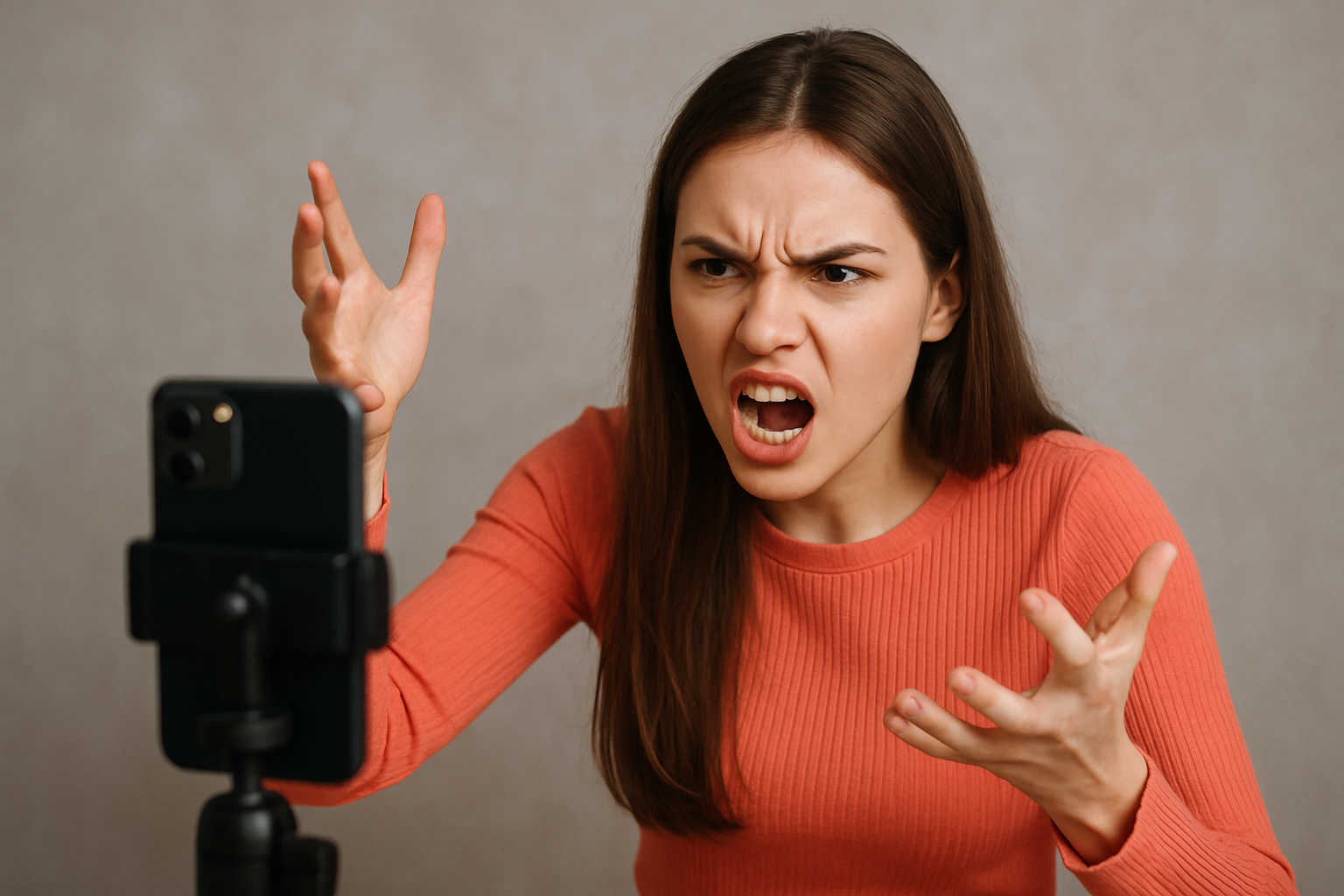
Editing video content used to take hours of manual work. Today, artificial intelligence transforms how creators refine footage. Finding the best ai video editing apps speeds up your post-production workflow significantly.
Whether you make TikTok clips, YouTube tutorials, or commercial ads, smart tools save time. These applications automate captions, color balance, background removal, and smart cuts.
Why Choose AI for Video Production?
Smart editing software handles tedious post-production tasks automatically.
Primary Advantages
-
Faster Turnaround Times: AI trims silences, generates captions, and formats ratios instantly.
-
Cost Efficiency: Creators replace large production teams with automated software.
-
Consistent Quality: Intelligent audio and color filters maintain visual harmony across clips.
-
Multi-Platform Exporting: Automatic reframing adjusts horizontal videos for vertical feeds effortlessly.
Top AI Video Editors Compared
| Tool Name | Ideal User | Key AI Feature | Platform |
| Adobe Premiere Rush | Multi-platform creators | Auto-reframe & smart audio balancing | Mobile & Desktop |
| Filmora | Beginners & pros | AI color match & smart cutout | Desktop & Mobile |
| Lumen5 | Bloggers & marketers | Text-to-video scene generation | Web-based |
| InVideo | Commercial agencies | Intelligent script & text-to-speech | Web-based |
| Kapwing | Social media editors | Auto-subtitles & smart background removal | Web-based |
The 20 Best AI Video Editing Apps Breakdown
1. Adobe Premiere Rush
Adobe Premiere Rush simplifies cross-platform production. Its auto-reframe tool detects main subjects and adjusts aspect ratios for Instagram, YouTube, and TikTok automatically.
2. Wondershare Filmora
Filmora combines desktop power with intuitive smart tools. Its AI features include color matching, audio ducking, and automated background removal.
3. Lumen5
Lumen5 converts written blog posts directly into engaging videos. The platform analyzes your text and suggests matching stock media, background tracks, and scene layouts.
4. Magisto & Magisto Business
Magisto uses artificial intelligence to analyze raw footage. It selects the best moments, adds transitions, and syncs edits directly to music beats.
5. InVideo
InVideo provides thousands of customizable marketing templates. Its text-to-video generator creates full promotional scripts and voiceovers within minutes.
6. Kapwing
Kapwing excels at rapid video editing for social feeds. It automatically generates precise subtitles, removes background noise, and clips long videos into short highlights.
7. FlexClip
FlexClip offers an easy web interface for quick commercial edits. The app features intelligent text analysis and a vast royalty-free media library.
8. Clipchamp
Clipchamp provides browser-based smart editing tools. Its automated cropping and AI text-to-speech engine streamline daily content publishing.
9. Animoto
Animoto turns photos and video clips into polished slideshows. The smart timing editor syncs visual pacing directly with your background audio.
10. WeVideo
WeVideo brings cloud-based collaborative editing to your web browser. Features include AI green screen removal and automated motion tracking.
11. Biteable
Biteable helps teams build branded corporate videos fast. Its AI engine recommends relevant animation styles and media assets based on your prompt.
12. Promo.com
Promo focuses specifically on high-converting promotional assets. The platform automates branding, text placement, and product highlights.
13. Animaker
Animaker uses smart automation to simplify animated video creation. The app suggests character poses, transitions, and timing adjustments automatically.
14. Wave.video
Wave combines a stock media library with intelligent editing controls. It formats videos for multiple social media platforms simultaneously.
15. Reevio
Reevio simplifies video production for small business owners. Its automated templates allow beginners to create polished commercial clips easily.
16. Videoshop
Videoshop provides mobile editors with smart filters and speed controls. The application includes intelligent background blur and motion effects.
17. Videolicious
Videolicious focuses on automated mobile reporting and business updates. It stitches interview clips, b-roll, and lower-thirds together seamlessly.
18. Viosk
Viosk automates corporate video rendering through cloud templates. It allows brands to maintain strict visual identity across large content volumes.
19. Filmstock
Filmstock offers an AI-curated asset library for editors. It provides smart search filtering for stock footage, sound effects, and video overlays.
20. Filmora Mobile
Mobile creators benefit from lightweight mobile suites. They deliver instant background removal, beauty filters, and smart audio cleaning anywhere.
How to Choose the Right AI Video App
Follow this simple decision workflow to select your ideal application:
Identify whether you create long YouTube videos, vertical TikTok shorts, or corporate presentations. Output format dictates necessary software features.
Choose cloud-based platforms like Lumen5 or Kapwing if you use a lightweight laptop. Select desktop software like Filmora for heavy offline rendering.
Experiment with free trials to evaluate output quality. Test caption accuracy, export speeds, and watermark policies before purchasing subscriptions.
Combine AI text generation with automatic reframing. Automating repetitive steps cuts your post-production time in half.
Final Thoughts
Finding the best ai video editing apps transforms your creative pipeline. Smart software handles repetitive tasks like clipping, captions, and color balancing. This allows you to focus on storytelling, strategy, and audience engagement.